Study from anything

Compendly turns lecture videos into a clean compendium—structured notes with text and images, ready to revise from.

No more pausing, rewinding, and retyping what was already said.

From recording to compendium

Upload, process, download. Done in minutes.

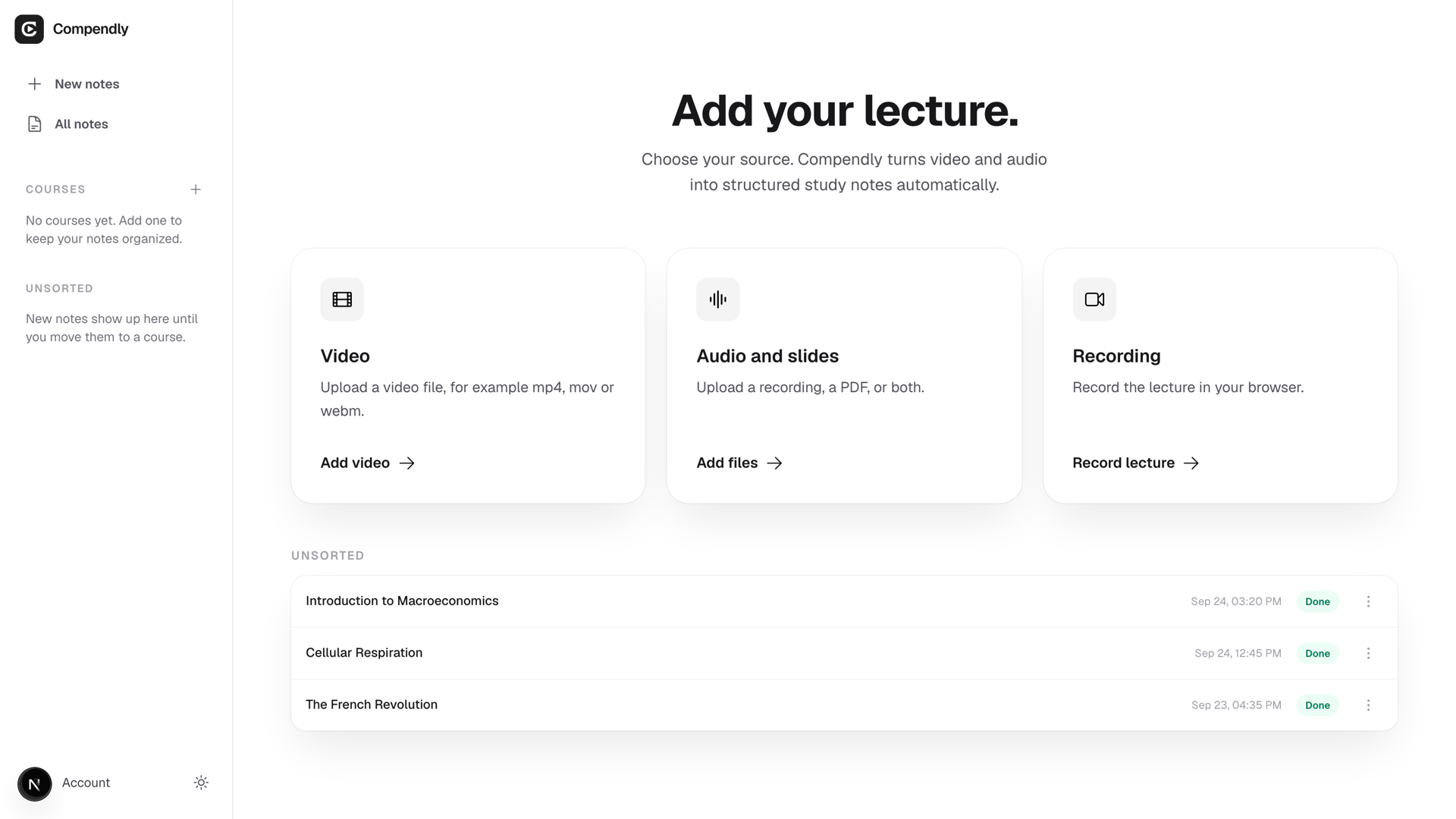
Upload your lectures

Upload a video file or paste a Vimeo link. Give each video a title and it becomes a chapter heading, so your compendium follows your course structure from day one.

SourcesAdd media

Drop links or files

YouTube, Vimeo, or local video

Lecture_01.mp4
vimeo.com/…

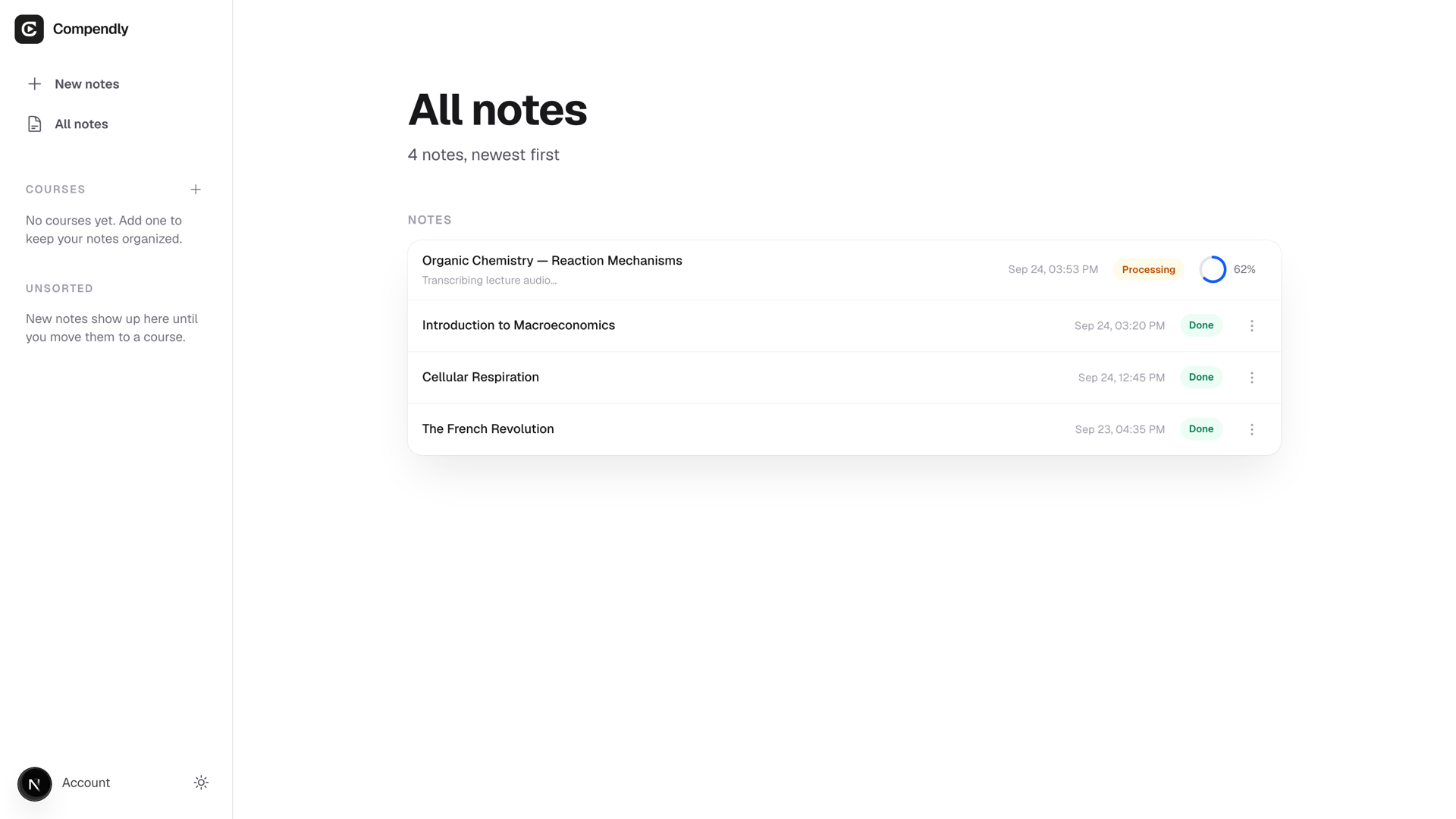
We handle everything while you wait

Compendly transcribes the audio, extracts screenshots from the video, and structures the content into clear, readable sections. A full lecture typically takes a few minutes.

Processing pipeline

Transcribe · scenes · notes

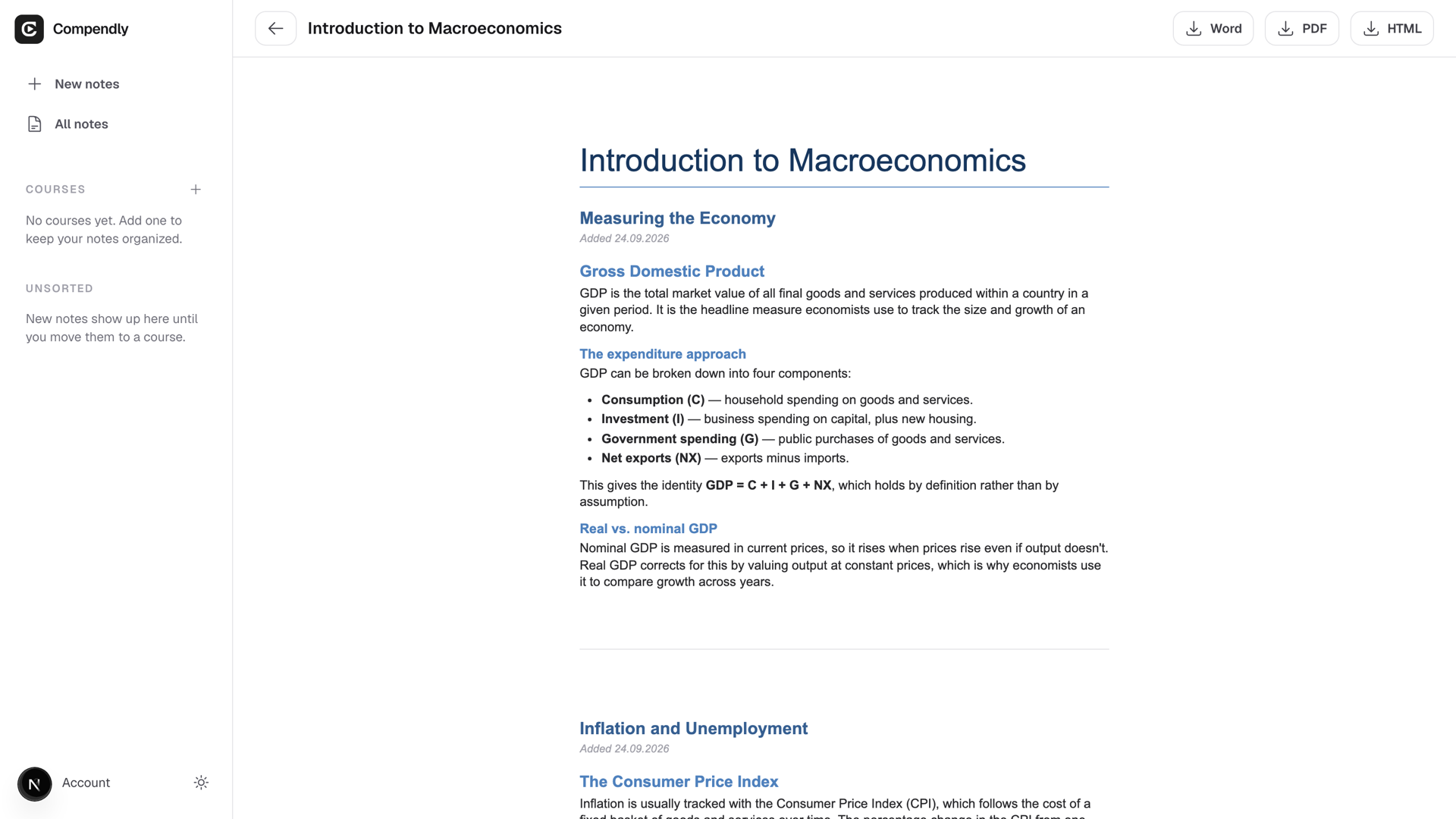
Make it yours in Word or Google Docs

Download a Word file (.docx) and open it in Word, Google Docs, or Pages. Edit, highlight, add your own notes — the compendium is a solid starting point you can shape into exactly what you need for the exam.

OutputHTML

Built for serious learners

Same tool, different ways to use it.

Deep study

Turn long recordings into something you can skim, search, and return to before exams.

Learn faster, with structure.

Course archives

Stack multiple lectures in order and get one document that follows your syllabus sequence.

One pipeline, many videos.

Focus on ideas

Spend time understanding—not pausing, rewinding, and retyping what was already said.

Notes that match the lecture.

Common questions

Short answers to what people usually ask before running a job.

  • Upload a video file (MP4, MOV, MKV) or paste a Vimeo link. You can add multiple videos and they'll each become a chapter in the same compendium.

  • A Word file (.docx) you can open in Word, Google Docs, or Pages — ready to edit, highlight, and make your own. You also get an HTML version you can open in any browser. Both include structured notes and screenshots from the video.

  • It depends on the length of the video. A one-hour lecture typically takes 3–6 minutes. The app shows a progress bar and estimated time while it runs.

  • No. Your videos and transcripts are only used to generate your compendium and are not used for training.